
All Features for Controlled Joomla Maintenance
J!UM brings the key tasks of professional Joomla maintenance together in one Control Center. You can not only see where extension updates are pending, but also trigger, monitor and document maintenance tasks in a controlled and traceable way.
Joomla Core updates intentionally remain Joomla's responsibility. J!UM focuses on components, modules, plugins and templates and complements Joomla's native update functionality with centralized management across multiple websites.
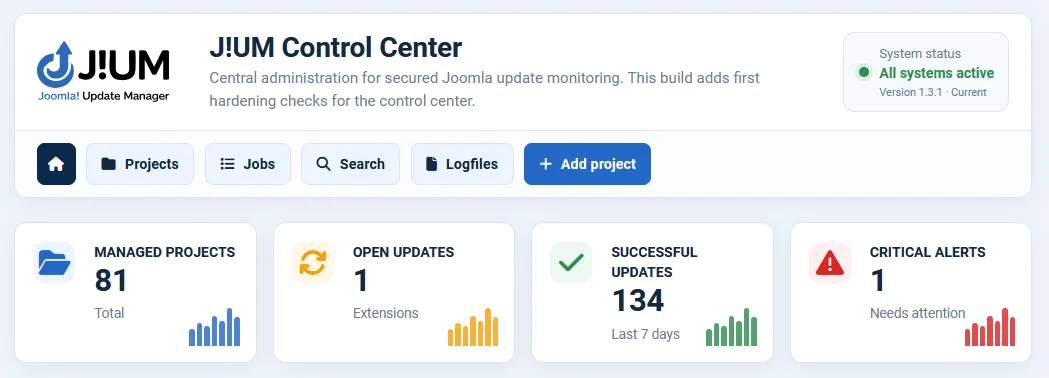
Central Project Management
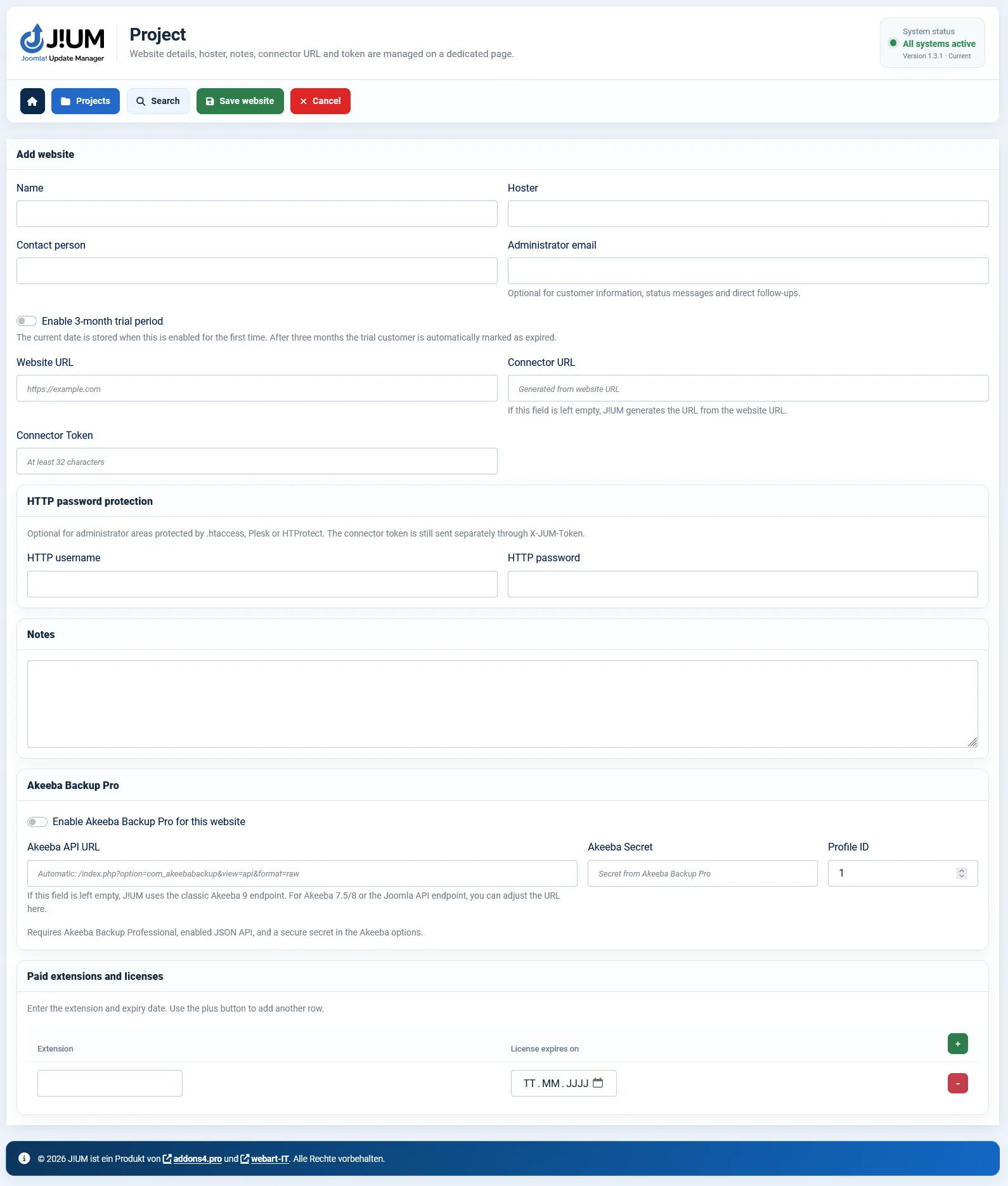
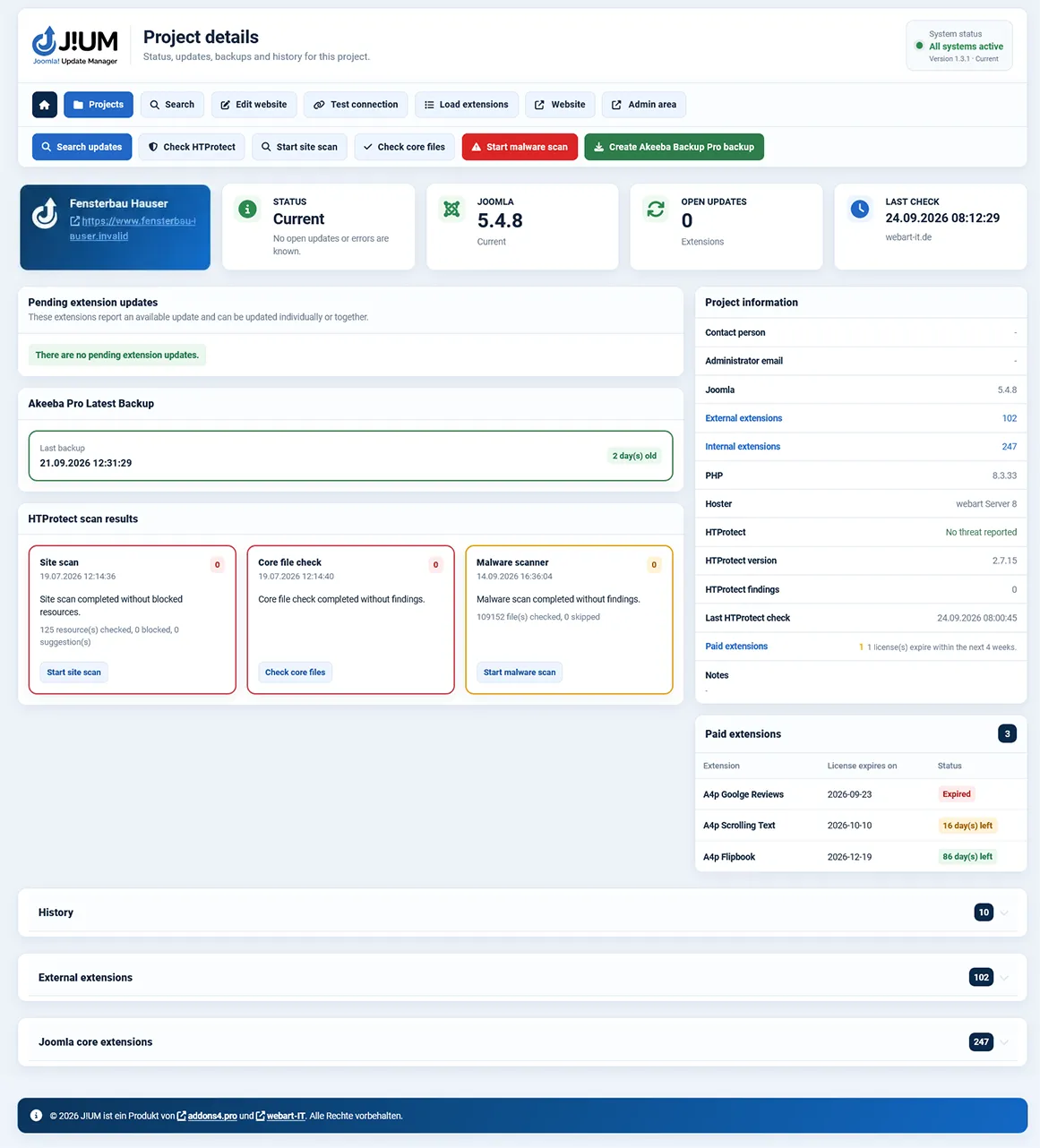
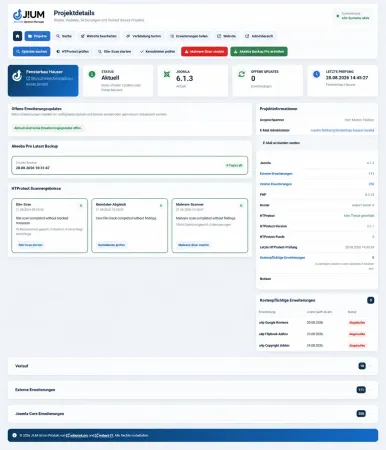
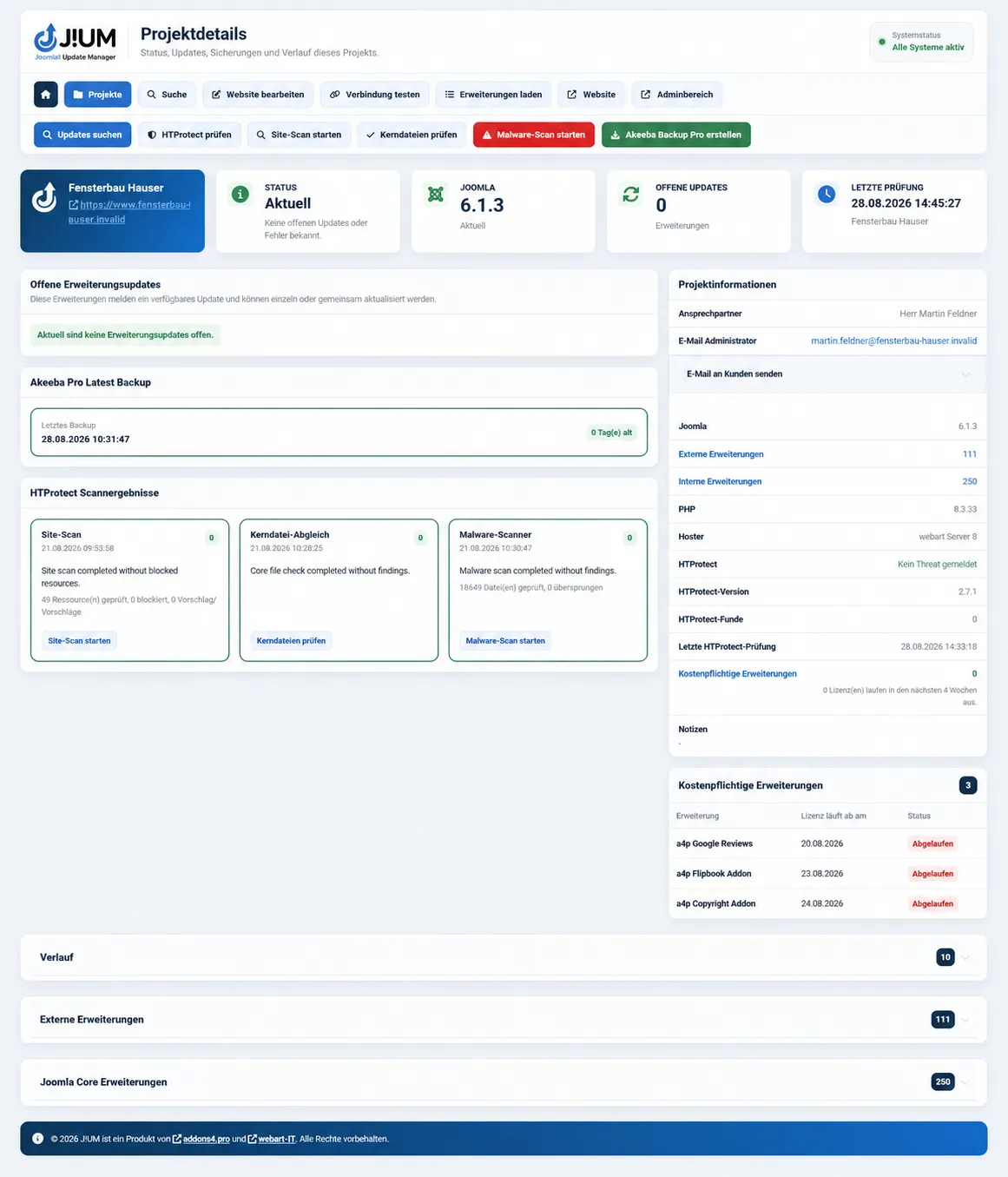
Add your Joomla websites with hosting provider, contact person, administrator email address, connector, optional HTTP protection and internal notes.
Direct links provide quick access to the website or directly to the Joomla administrator area when needed. An optional trial period also makes it easier to manage time-limited client or pilot access.
This keeps technical information and important project data centrally available in one place.
Check and Update Extensions Centrally
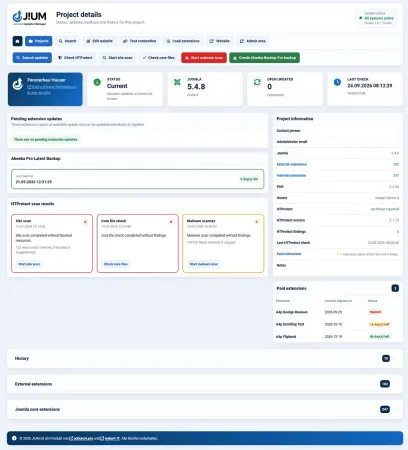
J!UM loads the extension inventory of connected Joomla websites and identifies available updates for installed components, modules, plugins and templates.
You can manage individual extensions, all pending extension updates for a project, or selected websites in bulk. Cross-project search also helps you quickly find specific components, modules, plugins and templates across multiple Joomla projects.
J!UM records the installed Joomla version as status information and can flag outdated Core versions. Joomla Core updates themselves are not performed by J!UM.
Joomla handles its own Core updates – J!UM gives you the overview and tools you need for components, modules, plugins and templates.
Persistent Jobs
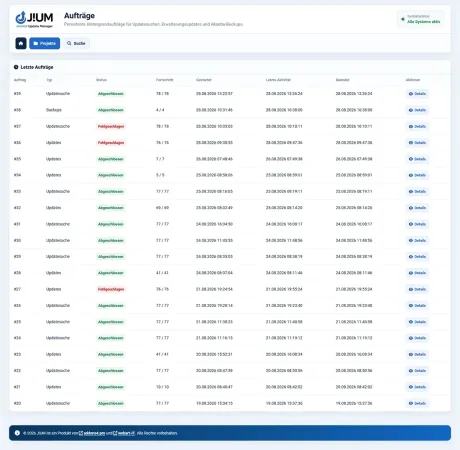
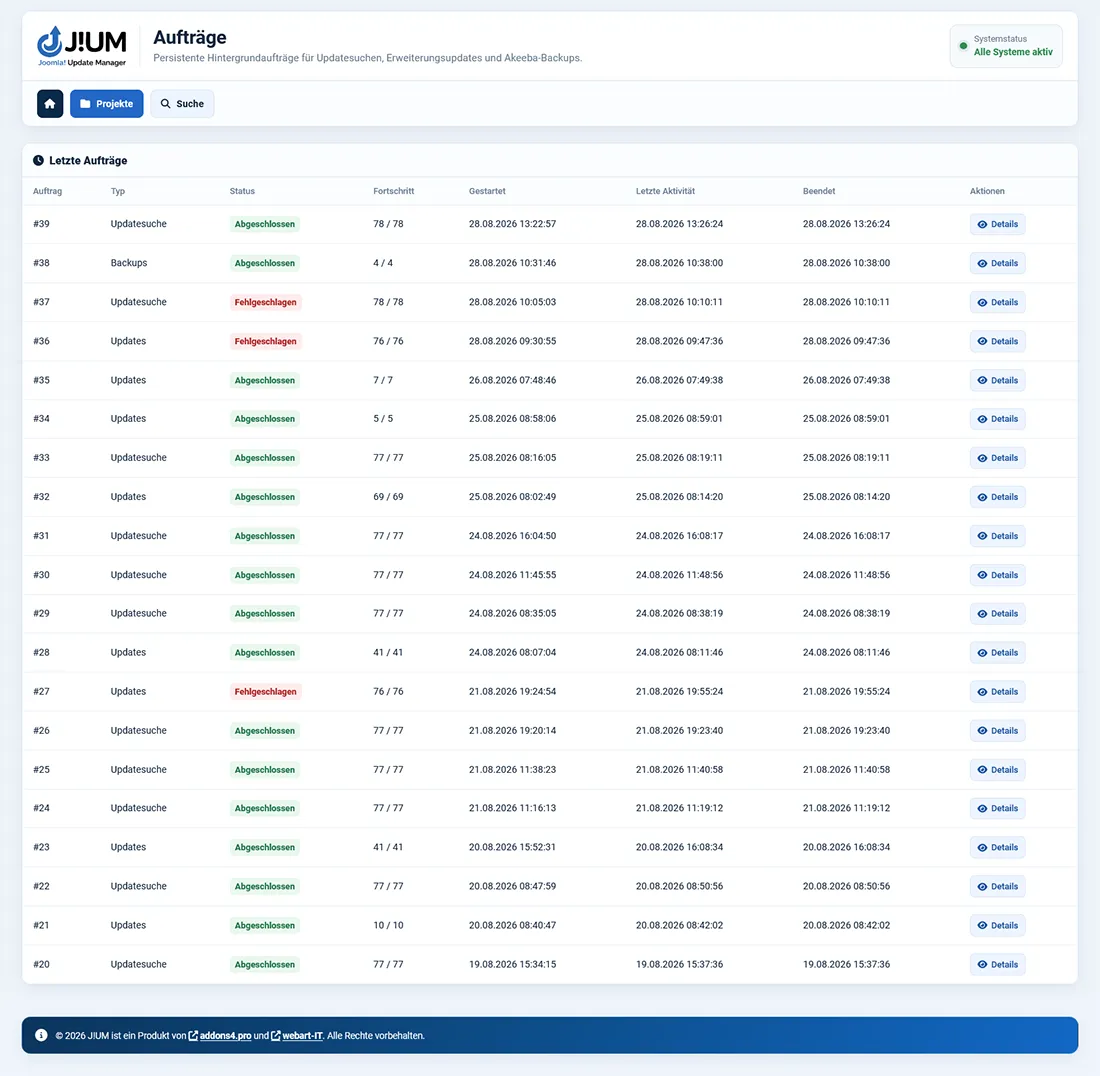
Long-running maintenance tasks are not handled as invisible browser requests. J!UM creates persistent jobs for extension update checks, extension updates and Akeeba backups.
Progress, last activity, individual steps and results remain visible at all times. For Akeeba backups, J!UM also shows the current progress and the active processing step.
The Joomla Scheduler processes the queue independently of the active administrator session. A protected browser worker can additionally support processing.
Logs and Notifications
Project histories, global logs and the job overview document maintenance actions, results and errors in a traceable way.
Depending on the configuration, the central administrator address can receive notifications about pending and completed extension updates, outdated Joomla versions, old backups, general status issues and expiring extension licenses.
An outdated Joomla Core version is detected and shown as a notice. The actual Core update continues to be handled by Joomla itself or by the configured automatic Core update functionality.
